Skip to content
AU Service Dogs / Training, applications & private recordsApplication help ↗
AU Service DogsPractice · Prepare · Record

The application guide / AU Service Dogs

Your details. A considered next step.

Prepare your profile, send it for review and keep track of the reference. This guide explains what to have ready and what happens to your record application after you submit.

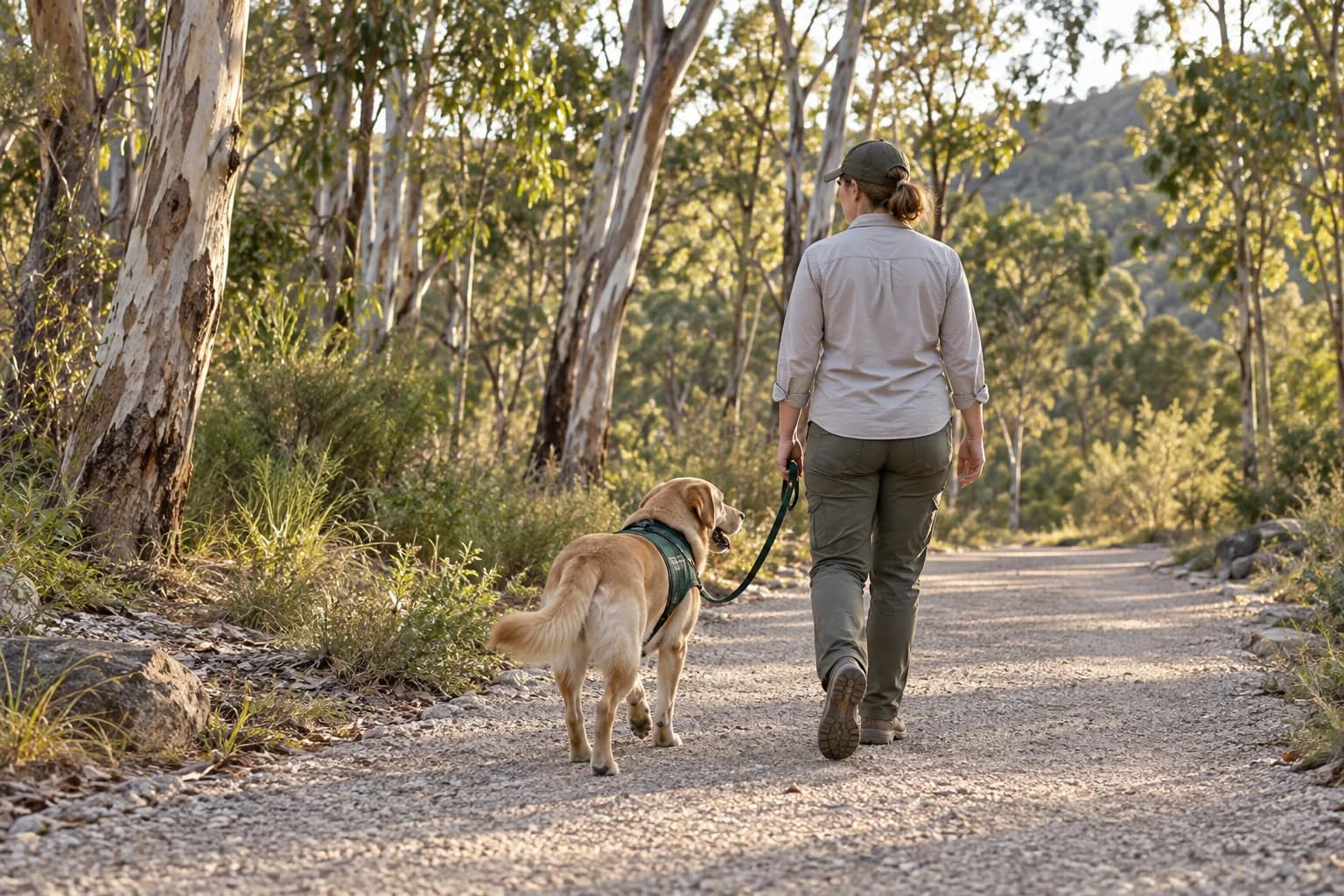
An illustrative walk with a dog along a eucalyptus-lined track
Practice · Prepare · Record

01 / Find your starting point

What would you like to do?

Details & photograph

Start a record application.

Send your handler details, your companion’s profile and a portrait to our team. The application is saved for review before a private record can be issued.

Open the application Keep the application reference shown after you submit.
Learning & practice

Find your training direction.

Compare the training themes, then send the team your questions about a selected option. Include your goals and contact details so the team can discuss the current arrangements with you.

Send a course enquiry Compare all three courses

02 / Before you open the form

A few things
to have ready.

This checklist is for the record application. You can take or choose the photo on your phone, adjust the portrait and review the details before sending.

Photo and form questions
  • The handler

    Required

    Have your first and last name ready. Check the spelling you want on your record.

  • Your companion

    Name & breed required

    Add their name and breed. You can also include coat colour and measurements in kilograms and centimetres.

  • A clear portrait

    Required

    Choose a JPG, PNG or WebP image under 5 MB. Keep the face visible, then save your preferred crop in the form.

  • Details to hand

    Optional

    Phone number, postal address and the other unmarked fields are optional. Include only the details you intend to share.

03 / Once your details are with us

From application
to a checked record.

A submission receipt confirms that we have received your details. Keep it for any follow-up about your application.

  1. 01

    Application received

    Your details and portrait are saved for review. Keep the application reference on the receipt; it helps the team find your submission.

  2. 02

    Details reviewed

    The team reviews the information provided. Submission alone does not mean that a record has been approved or issued.

  3. 03

    Corrections resolved

    If something needs clarification or a correction, work with the team using your application reference. An incomplete application may need further review.

  4. 04

    Record issued

    After approval, a record number is created. Use that number to check the issued details in record lookup and contact the team about any discrepancy.

Spotted something to change? Send the team your application reference and describe the correction before submitting another form.

Ask about your application

Keep your record useful

Check the details.
Keep the reference.

Once a record has been issued, use its record number on our lookup page. Review the name, animal details and dates, and contact the team if anything needs attention.

AU Service Dogs provides private records. A listing or card does not itself establish government accreditation, public access eligibility or airline approval.